
Step‑by‑step guide for installing SATA drives and configuring RAID on ASRock motherboards.
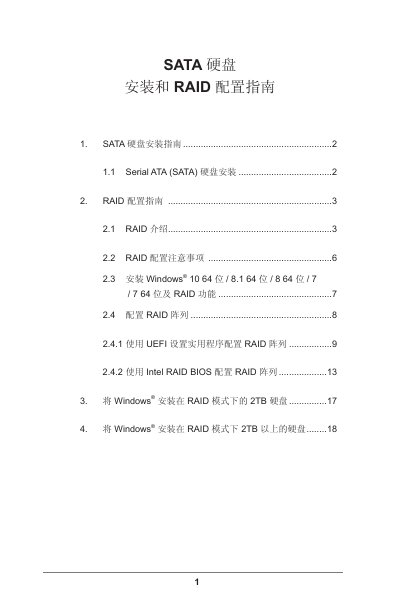
This guide explains how to install Serial ATA (SATA) hard drives on ASRock motherboards and set up various RAID levels, including RAID 0, RAID 1, RAID 5, RAID 10 and Intel Rapid Storage Technology. It covers hardware preparation, BIOS/UEFI settings, and driver installation.
The document also provides detailed instructions for installing Windows (7, 8, 8.1, 10) on RAID arrays, handling drives larger than 2 TB, and troubleshooting common issues such as hot‑fix requirements and data backup before RAID creation. This manual is written in Chinese.
| Supported RAID levels | RAID 0, RAID 1, RAID 5, RAID 10, Intel Rapid Storage |
|---|---|
| Number of SATA channels | 4 independent Serial ATA (SATA) channels |
| Chipset requirement | Intel Southbridge chipset |
| BIOS SATA mode setting | Set SATA mode to RAID |
Enter the BIOS by pressing
The motherboard supports RAID 0, RAID 1, RAID 5, RAID 10 and Intel Rapid Storage Technology.
Windows 7, 8, 8.1 and 10 do not support RAID arrays larger than 2 TB without applying a hot‑fix; the guide provides steps to obtain and install the required hot‑fix.