
Step‑by‑step guide to install and configure Intel Rapid Start on ASRock H61 series motherboards.
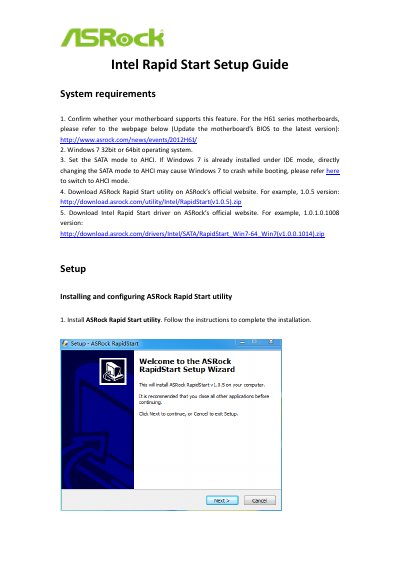
This guide explains the system requirements for using Intel Rapid Start on ASRock H61 series motherboards, including the need for Windows 7 (32‑ or 64‑bit) and an AHCI SATA mode. It also details how to update the BIOS, download the ASRock Rapid Start utility and the Intel Rapid Start driver, and create the hidden partition for fast‑resume.
After installing the utility and driver, the document shows how to configure the Rapid Start timer, use the feature to put the PC into sleep mode, and wake it quickly. An appendix provides instructions for converting a Windows 7 installation from IDE to AHCI mode to ensure compatibility.
| Supported operating system | Windows 7 32‑bit or 64‑bit |
|---|---|
| Required SATA mode | AHCI |
| Supported motherboard series | ASRock H61 Series |