
User guide for the Arduino Zero, a 32-bit ARM Cortex M0+ board for IoT, wearables, and robotics projects.
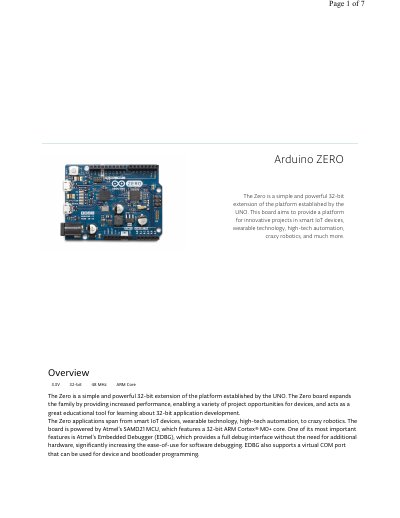
The Arduino Zero is a 32-bit extension of the UNO platform, powered by Atmel’s SAMD21 microcontroller with a 48 MHz ARM Cortex® M0+ core. It supports 3.3V operation and includes an embedded debugger (EDBG) for software debugging without additional hardware. The board is designed for smart IoT devices, wearable tech, automation, and robotics, with 20 digital I/O pins, 6 analog inputs, and 10-bit DAC output. It features 256 KB Flash, 32 KB SRAM, and is compatible with 3.3V shields and the 1.0 Arduino pinout.
Getting started involves connecting the board via USB or external power, using the Arduino IDE, and following the provided tutorials for coding, bootloader updates, and advanced features like audio playback or RTC usage. This manual is written in Chinese.
| Microcontroller | ATSAMD21G18, 32-Bit ARM Cortex M0+ |
|---|---|
| Operating Voltage | 3.3V |
| Flash Memory | 256 KB |
| SRAM | 32 KB |
| Digital I/O Pins | 20 |
| Analog Input Pins | 6 |
| Analog Output Pins | 1 |
| DC Current per I/O Pin | 7 mA |
| Length | 68 mm |
| Width | 30 mm |
| Weight | 12 gr |
The Zero runs at 3.3V. Applying voltages higher than 3.3V to any I/O pin could damage the board.
The EDBG provides a full debug interface without additional hardware and supports a virtual COM port for device and bootloader programming.
It has 256 KB Flash Memory, 32 KB SRAM, and up to 16 KB EEPROM by emulation.