
This manual details the features, specifications, and functionalities of the Arduino Nano RP2040 Connect, an IoT development board featuring the Raspberry…
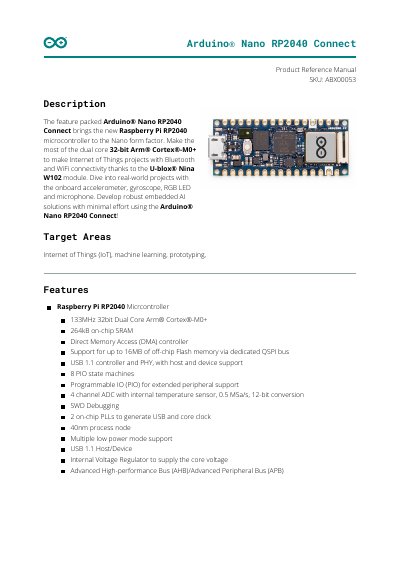
The Arduino Nano RP2040 Connect is a feature-packed development board designed for Internet of Things (IoT) projects, machine learning, and prototyping. It integrates the Raspberry Pi RP2040 dual-core microcontroller with a U-blox Nina W102 WiFi and Bluetooth module, offering robust connectivity and onboard sensors like an accelerometer, gyroscope, and microphone.
The document provides a comprehensive overview of the board's hardware, including its block diagram, power consumption ratings, and functional details of components such as the cryptographic co-processor and external memory. It also covers board operation, including setup instructions for the Arduino IDE and Web Editor, sample sketches, and mechanical information.
| Microcontroller | Raspberry Pi RP2040 |
|---|---|
| Clock Speed | 133MHz |
| On-chip SRAM | 264kB |
| WiFi/Bluetooth Module | U-blox Nina W102 |
| Operating Temperature | -20 to 80 °C |
| Input Voltage (VIN) | 4 to 20 V |
| 3.3V Output Current | 800 mA |
The board operates within a temperature range of -20 to 80 °C.
It is powered by the Raspberry Pi RP2040 microcontroller.
Yes, it includes an onboard accelerometer, gyroscope, RGB LED, and microphone.