
This is a tutorial on using Arduino to make sensors
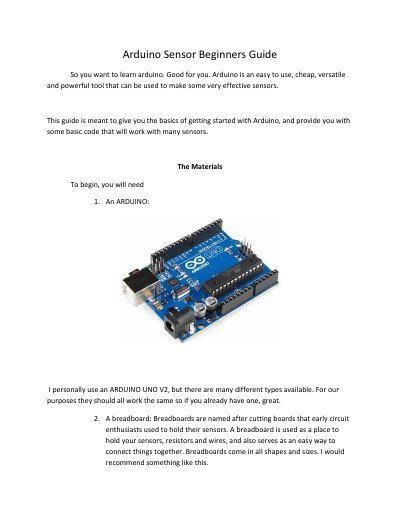
This guide teaches beginners how to set up and code sensors using an Arduino UNO V2. It covers wiring breadboards, connecting sensors, and writing basic code for both analog and digital sensors. The guide includes safety tips and troubleshooting advice to prevent damaging components.
The tutorial is divided into sections for analog sensors (e.g., temperature, light) and digital sensors (e.g., switches, buttons), with step-by-step instructions and example code. It emphasizes checking wiring before powering the Arduino and suggests searching for online resources if coding becomes overwhelming.
Connect the sensor's 5V pin to Arduino 5V, ground pin to GND, and signal pin to analog pin A0 on the breadboard.
Use the provided code that reads analog input, converts it to voltage, and prints it via Serial Monitor.