
Aqara A1 Smart Curtain Motor User Manual: setup, Mi Home app pairing, button and remote control operation, specifications, and warranty.
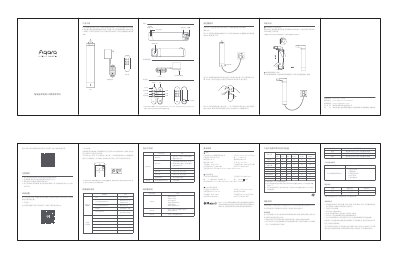
The Aqara A1 Smart Curtain Motor is an electric smart curtain motor that automates standard draw curtains. It is powered by a power adapter and has a built-in Wi-Fi wireless communication module, enabling remote control, scheduling, voice control, and multi-device linkage through the Mi Home app after connecting to the network.
This user manual covers product introduction, Mi Home app download precautions, adding the device, specifications, installation, button operation instructions, remote control pairing, indicator and buzzer descriptions, and warranty and service information. The motor model is ZNCLDJ21LM and it works with the Aqara Bluetooth remote control model LYYKQ11LM. This manual is written in Chinese.
| Rated torque | 2N·m |
|---|---|
| Rated power | 28W |
| Operating temperature | -20℃~+55℃ |
| Wireless connection | Wi-Fi IEEE 802.11 b/g/n 2.4GHz, Bluetooth 4.2 |
| Product dimensions | 49.5×49.5×257mm |
| Input | 18V 1.6A |
| Output speed | 80 r/min |
| Working system | S2 12min |
| Operating humidity | 10%~90% RH, no condensation |
| Adapter input | 100-240V~ 50/60Hz 1A |
Open the Mi Home app page, tap + in the top right corner to add the Aqara Smart Curtain Motor A1, and follow the prompts.
Long press the reset key for 5 seconds until the yellow light turns on and the beeper sounds, then release; the yellow light flashes quickly and you can reconnect.
The main unit is covered for repairs due to product quality issues within 3 years from the day after signing for receipt.
They default to opening the curtain to 30%, 50% and 70% respectively.