
This guide covers the setup, installation, and specifications for the Aqara WXKG11LM Wireless Mini Switch, a compact Zigbee smart home accessory.
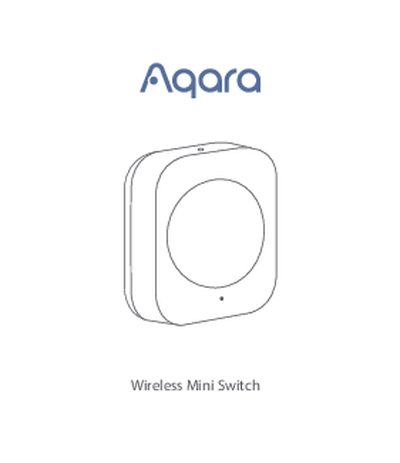
The Aqara WXKG11LM Wireless Mini Switch is a compact, low-energy remote control switch designed for indoor use. It features a single button that supports single, double, and long-press actions to control smart accessories like lights and plugs. The device requires an Aqara Hub to function and is compatible with HomeKit technology when paired with the hub. Users can place or stick the switch almost anywhere, provided the surface is clean and dry.
| Dimensions | 45 × 45 × 12 mm |
|---|---|
| Wireless Protocol | Zigbee |
| Battery Type | CR2032 |
| Operating Temperature | -10°C – +50°C |
| Operating Humidity | 0 – 95% RH, no condensation |
| Maximum Transmit Power | 9.99 dBm |
| Working Frequency | 2400 MHz – 2483.5 MHz |
Yes, a hub is required to enable the Aqara Wireless Mini Switch to work with HomeKit technology.
Single press the reset button on the accessory at your desired position; if the Hub makes voice prompts, it indicates effective communication.