
This manual covers the setup, operation, and maintenance of the Aqara P3 Air Conditioner Companion, a smart Zigbee gateway controller.
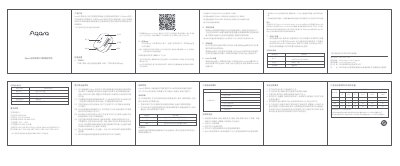
The Aqara P3 Air Conditioner Companion is a smart controller that turns traditional air conditioners into smart devices and acts as a Zigbee gateway for other smart home devices. It allows remote control via the Mi Home app, supports infrared remote control for other appliances, and enables automation scenarios with other smart devices. The device also supports HomeKit integration for Apple ecosystem users.
The manual provides instructions for quick setup, including downloading the app, connecting to Wi-Fi, matching infrared code libraries, and associating temperature and humidity sensors. It also details the device's technical specifications, warranty policy, and safety precautions for proper usage. This manual is written in Chinese.
| Product Model | KTBL12LM |
|---|---|
| Dimensions | 65x65x56mm |
| Power Rating | 4000W-16A MAX |
| Operating Temperature | -10C to +40C |
| Operating Humidity | 0-95%RH |
| Wireless Protocol | Wi-Fi IEEE 802.11 b/g/n 2.4GHz, Zigbee3.0 IEEE 802.15.4 |
You need to download and install the Mi Home app (米家app) to control the device.
No, the product is limited to indoor use in non-bathroom environments.
Long press the device button for more than 10 seconds until the indicator light flashes yellow, then try connecting again.
Yes, it supports HomeKit settings, allowing control via the Apple Home app after scanning the setup code.