
Aqara N100 smart door lock is equipped with a built-in Bluetooth gateway and can be controlled via Mi Home app, and can be interconnected with other products. The door lock supports fingerprint, password, NFC and Bluetooth unlocking, and can set door lock volume, voice language, etc.
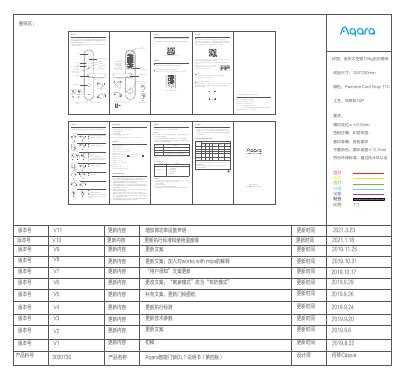
The Aqara N100 is a smart door lock that supports multiple unlocking methods such as fingerprints, passwords, keys, NFC, and Bluetooth. It integrates with the Mijia app and supports HomeKit for iOS users, allowing for remote control and smart home automation. This manual is written in Chinese.
| Product Security Level | Class B |
|---|---|
| Lock Core Security Level | Class C |
Long press the reset key for 5 seconds until you hear a voice prompt.
The lock supports fingerprint, password, emergency key, NFC, and indoor unlocking.
Open the battery cover and insert 8 AA batteries.