
This document is a service manual for Norcent LT3290 32'' LCD TV, including safety precautions, introduction to main board, power board, key board, and IR board, as well as circuit diagrams, exploded view, and BOM list. The document also includes specifications, operating instructions, input/output specifications, repair flow chart, and white balance/luminance adjustment for the LCD TV.
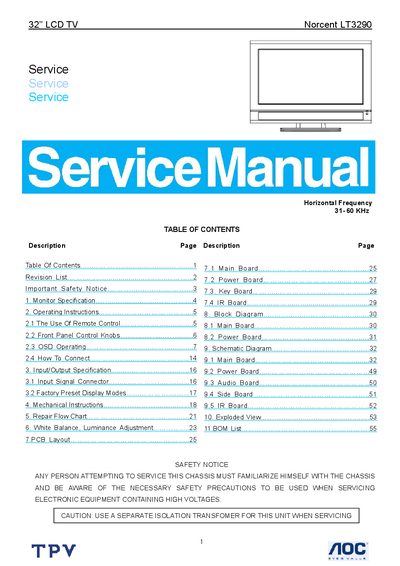
This service manual provides detailed safety notices, specifications, and step‑by‑step repair procedures for the AOC Norcent LT3290 32" LCD TV. It includes wiring diagrams, PCB layouts, and exploded views to assist qualified service technicians.
The document also covers operating instructions, remote‑control functions, input/output connections, and adjustment settings such as brightness, contrast, and white balance, ensuring proper maintenance and troubleshooting of the unit.
| TV System | NTSC, ATSC (8‑VSB, Clear‑QAM) |
|---|---|
| Channel Coverage | VHF 2‑13, UHF 14‑69 |
| Power Source | 100‑240 V, 50/60 Hz |
| Power Consumption | <180 W (operating), 1 W standby |
| Audio Power | 10 W + 10 W (internal speakers) |
| Dimensions (with stand) | 813 mm (W) × 640 mm (H) × 254 mm (L) |
| Weight (with stand) | 17 kg |
| VESA Mounting | 200 mm × 200 mm (optional) |
| HDMI Input | 1 HDMI (HDCP & E‑EDID compliant) |
| VGA Input | 1 D‑SUB 15‑pin (E‑EDID compliant) |
The TV consumes 1 W in standby mode when the power cord remains plugged in.
The TV supports optional VESA mounting with a 200 mm × 200 mm pattern.
Enter the VIDEO menu and use the Brightness adjustment, which ranges from 0 to 100.