
Configuration guide for the Anritsu MT1000A Network Master Pro multiplatform field testing device, covering module selection and setup.
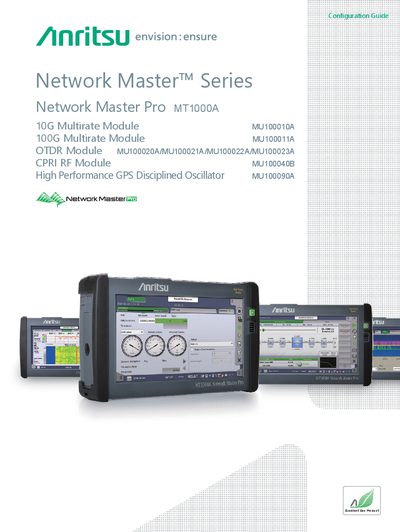
This document serves as a configuration guide for the Anritsu MT1000A Network Master Pro, a multiplatform device designed for field testing. It details how to configure the device by selecting and combining various measurement modules, including transport, OTDR, CPRI RF, and GPS disciplined oscillator options.
The guide provides flowcharts and instructions for new purchases, helping users select the appropriate main frame, modules, and options based on specific testing requirements such as protocol type, optical fiber type, and dynamic range. It also covers adding new options to previously purchased units and includes configuration examples.
The MT1000A is a multiplatform designed for field testing.
It is configured as a combination of various measurement modules.
Yes, the test modules can be changed freely to any custom configuration.