
Installation and use guide for the AIPTEK PenCam 2 digital camera, covering batteries, picture modes, self-timer, USB uploads and PenCam Manager software.
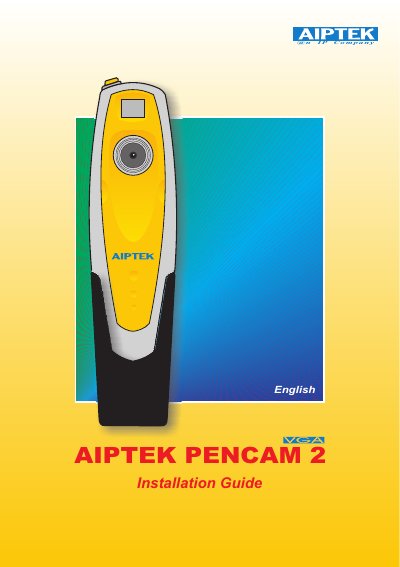
The AIPTEK PenCam 2 is a small camera that can store 107 QVGA (320 x 240 pixel) images or 26 VGA (640 x 480 pixel) images and upload them to a PC through a USB port. It is powered by two AAA batteries or by the USB connector, and it has two switches: SW1 for the shutter and SW2 for modes shown on the LCD.
The guide explains installing the batteries, switching the camera on, taking pictures, and using the self-timer, continuous mode, clear-memory function and resolution setting. It then covers installing the PenCam Manager software, uploading photos, and using PC camera mode, AVI Creator, image processing, mail and video playback functions.
| Image storage capacity | 107 QVGA (320 x 240 pixel) images or 26 VGA (640 x 480 pixel) images |
|---|---|
| Power source | 2 AAA batteries or USB connector |
| Auto power off | After 30 seconds of inactivity |
| Self-timer delay | 10 seconds |
| PC connection | USB port |
It can store 107 QVGA (320 x 240 pixel) images or 26 VGA (640 x 480 pixel) images.
Press the mode button until CL appears on the LCD, then press the shutter button twice within five seconds to clear the camera and reset the picture counter.
It is powered by two AAA batteries, or through the USB connector when attached to a PC.
The self-timer starts a 10-second delay after you select St and press the shutter button.