
This document is about Samsung Galaxy Note 8 smartphone, it features a 6.3-inch screen, Qualcomm Snapdragon 835 processor, 6GB of RAM and 64GB of storage, supports dual SIM card
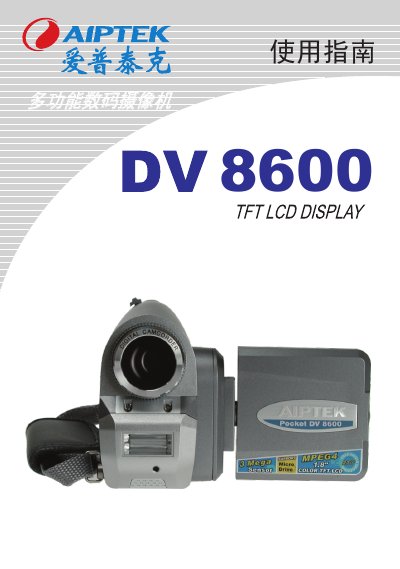
This guide introduces the AIPTEK DV8600 digital camera, covering safety notices, component identification, and basic handling. It explains how to install batteries and memory cards, use the hand strap, and mount the camera on a tripod.
Detailed sections describe shooting and recording video, taking photos, using flash, playback of recordings and documents, advanced settings, and connecting to a TV. A troubleshooting chapter and service information are also included. This manual is written in Chinese.
The camera uses four AA batteries; Ni‑MH cells of 1600 mAh or higher are recommended, and different brands or models should not be mixed.
AVI files can only be played on Windows 2000 or Windows XP operating systems.
Format the memory card using the camera’s format option in the settings menu, not by formatting it on a computer.