
This is a camera user manual, mainly introducing the various parts of the camera, installing batteries, using chargers, inserting memory cards, etc.
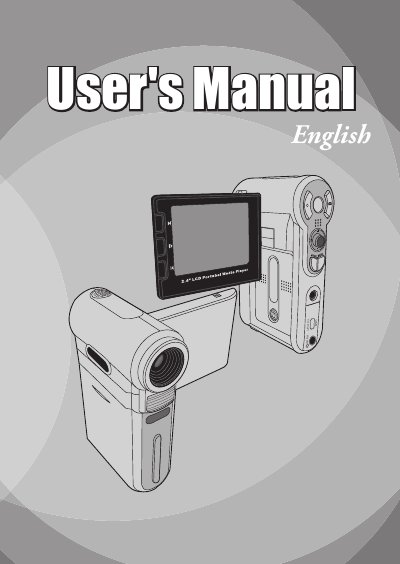
This user manual covers the safe handling, installation, and basic operations of the AIPTEK 82-420-90010 digital video camera. It details how to install the battery and memory card, turn the device on and off, and perform essential functions such as recording video and still images, playing back files, and connecting to a PC or TV.
| Image Sensor | 5 Mega (2560x1920 pixels) / 3 Mega (2048x1536 pixels) |
|---|---|
| Resolution (Still image) | 3M/5M/8M |
| Resolution (Movie) | 640x480 (VGA) / 320x240 (QVGA) |
| Lens | 4X digital zoom lens F2.8~F5.3 |
| File format | ASF, JPEG WAV, MP3 |
| Video frame rate | 640x480, up to 30fps; 320x240, up to 30fps |
| External memory | SD/MMC (Max. 2GB) |
| LCD display | 2.4" TFT LCD |
| Battery | 8210 Li-ion rechargeable battery (3.7V 850mAh) |
| Dimensions | 110x72x34 mm |
You should charge the battery at least 4 hours for first time use.
The camera will use the card as the main storage medium, and files in built-in memory become inaccessible until the card is removed.
Open the LCD monitor to power on automatically, or press and hold the Power button for 1 second.