
This manual introduces how to use each function of the camera.
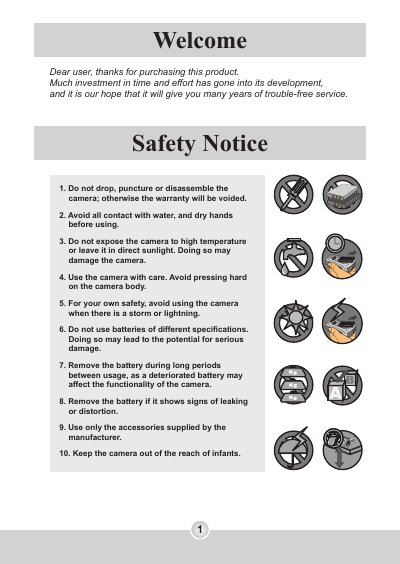
This manual provides instructions for the AIPTEK IS-DV digital video camera, a multifunctional device that serves as a digital camcorder, still camera, MP3 player, voice recorder, and PC camera. It covers essential safety precautions, battery installation, and memory card usage to ensure proper operation and data storage.
| Video Resolution | VGA (640 x 480 pixels) / up to 30 fps |
|---|---|
| Still Camera Resolution | 5.0 Mega (2560 x 1920 pixels) |
| Sensor Resolution | 3.1 Mega (2048 x 1536 pixels) |
| Internal Memory | 16MB Flash memory (8MB for Storage) |
| External Memory | Built-in SD/MMC slot (Max: 1GB) |
| Digital Zoom | 4X |
| Interface | USB 2.0 |
| Battery | NP60 Li-ion Rechargeable Battery (3.7V 850mAh) |
| Dimensions | 101.5 x 45.8 x 60 mm |
Press and hold down the power button for 1 second to turn on the camera.
The camera will display a message and the card will become non-writable until the switch is set to Unlock.
You can record up to 14400 seconds of video at VGA resolution with a 1GB SD card.