
This document is a user manual that provides instructions and safety precautions for using a camera.
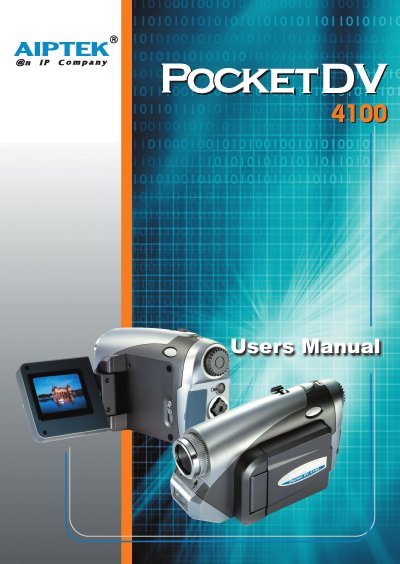
This manual begins with safety notices and a description of the camera's parts, then guides users through getting started, loading batteries, inserting a CF card, and basic operations such as turning the camera on, recording video, and taking still pictures. Advanced sections cover video and picture resolution settings, flash strobe usage, and language configuration.
The later chapters address troubleshooting common issues, driver installation for PC connection, and detailed specifications of the camera's sensor, memory, video formats, and physical dimensions. An addenda section lists system messages and capacity tables for internal and external storage.
| Internal memory | 16 MB flash memory |
|---|---|
| Sensor effective resolution | 3.1 Mega (2048 × 1536) pixels |
| Interpolated resolution | 4.1 Mega (2304 × 1792) pixels |
| Digital zoom | 4 × real‑time |
| LCD display | 1.8 inches color TFT |
| Battery type | AA × 4 (alkaline recommended) |
| Dimensions | 130 × 76 × 50 mm |
| Video format | MPEG‑4 (.ASF) or MJPEG (.AVI) |
| Maximum video resolution | VGA 640 × 480 px up to 24 fps |
Install DirectX 9.0 or later, then reinstall the camera driver if needed.
Format the card to FAT format using the “FORMAT MEDIA” command in the manual.
The storage memory is full; replace the CF card or delete files to free space.
Check the cable connection and ensure the A/V system setting in the camera is correct.