
This document introduces the precautions and basic operation methods of a precision instrument product, as well as advanced settings and usage methods. The product has features such as anti-dropping, anti-moisture, and anti-high temperature, and has multiple functions such as camera, video camera, audio recording, and browsing.
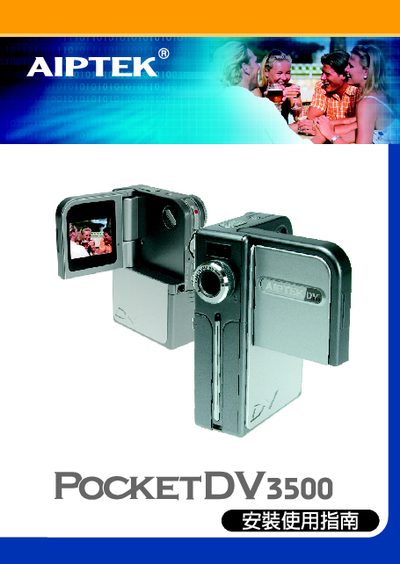
This manual introduces safety precautions and preparation steps for the POCKET DV3500 pocket video camera. It warns against exposing the device to moisture, high temperature, strong impact, and using incompatible batteries.
The guide then details how to install the battery, insert SD or MMC cards, configure basic and advanced settings, and troubleshoot common issues such as playback problems or software installation failures. This manual is written in Chinese.
| Supported SD/MMC card capacity | 8 MB to 512 MB |
|---|---|
| Battery type | Rechargeable Ni‑MH |
Install DirectX 8.0 or later and Windows Media 9.0 codecs, then reinstall any accompanying software.