
Step-by-step guide to replace the speaker in the Aiptek DZO-V58N device.
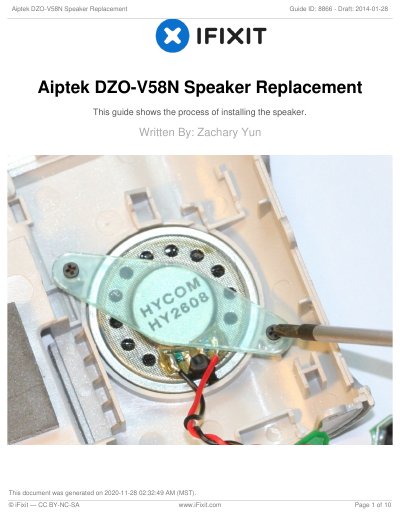
This guide provides detailed instructions for replacing the speaker in the Aiptek DZO-V58N. It lists required tools and outlines disassembly steps, including removing the battery, lens protector, and various face plates. The process involves unscrewing multiple components and carefully detaching the speaker from the circuit board using a Phillips #00 screwdriver and plastic opening tools.
To reassemble, reverse the steps, ensuring the white plastic connector is unplugged correctly to avoid damaging wires.
Tweezers, Phillips #00 Screwdriver, and iFixit Opening Tools.
Slide the battery compartment cover down and pry the battery up from the bottom using a finger.
Unplug the speaker by pulling out the white plastic connector, not the wires, to avoid damage.