
User guide for the aigo T60 true wireless stereo Bluetooth headset, covering parts, charging, pairing, controls, and specifications.
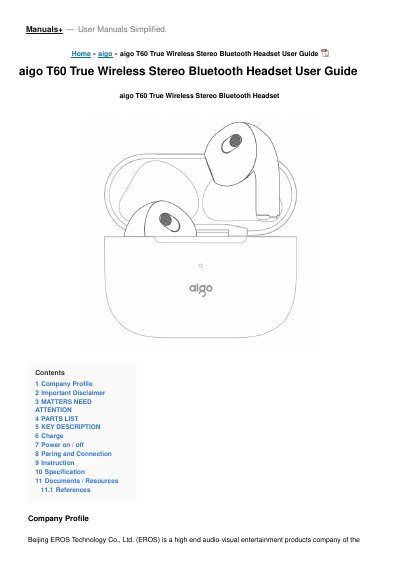
The aigo T60 is a true wireless stereo Bluetooth headset with touch controls for calls and music. This user guide describes its parts, charging, power on/off, pairing and connection, operation, and specifications.
The headset uses Bluetooth version V5.3 with HSP, HFP, A2DP, and AVRCP support, SBC/AAC sound encoding, and about 10 m transmission range. The package includes two earbuds, one charging case, one charging cable, and one user guide.
| Product | T60 |
|---|---|
| Pairing name | aigo T60 |
| Calling time | 4 hours approximate |
| Music time | 3.5 hours approximate |
| Charge case recharge time | 2 hours approximate |
| Bluetooth version | V5.3 |
| Supported protocols | HSP / HFP / A2DP / AVRCP |
| Sound encoding | SBC/AAC |
| Transmission range | 10 m / Class 2 |
| Earbuds battery | 3.7 V 30 mAh x2 lithium polymer battery |
| Charging case battery | 3.7 V 180 mAh lithium polymer battery |
| Charging input | DC 5 V, 500 mA |
| Speaker | 2 x 13 mm, 32 ohm ±10% |
| Working temperature | -10 C to 40 C |
Open the charging case cap and take the earbuds out to turn them on automatically; put them back in the case and close the cap to turn them off automatically.
With the earbuds in pairing mode, select “aigo T60” in the mobile Bluetooth menu.
Tap the touch zone once for calls or play/pause, twice for the next song or call ejection, three times for the previous song, and press for 2 seconds to activate voice assistance.
Calling time is approximately 4 hours and music time is approximately 3.5 hours.