
This document is the user manual for the Aigo digital photo frame, which introduces the features and technical specifications of the product.
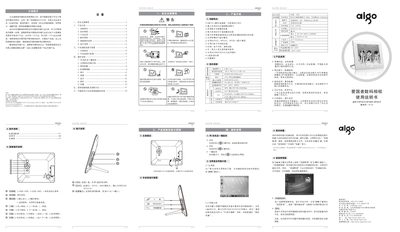
The Aigo DPF801D/DPF802D/DPF901D digital photo frame features an 8‑inch 4:3 LCD display with 800 × 600 resolution and supports photo, video, music and e‑book playback. It includes built‑in speakers, SD/MMC/SDHC card slots (up to 32 GB) and a USB flash‑drive interface for easy media loading.
The manual provides safety guidelines, detailed panel and button functions, connection diagrams, step‑by‑step operation instructions, and a troubleshooting section for common issues such as power problems, media compatibility and display errors. This manual is written in Chinese.
| Screen size | 8 inches |
|---|---|
| Resolution | 800 × 600 pixels |
| Supported storage media | SD/MMC/SDHC cards up to 32 GB, USB flash drives |
| Dimensions | 217 × 172 × 22 mm |
The frame supports SD, MMC, SDHC cards up to 32 GB and also allows direct USB flash‑drive connection.
Unplug the power adapter, wait a moment, then plug it back in to reset the unit.