
aigo A16 Tablet PC User Manual, introduces the basic functions, connection methods, applications, network settings, troubleshooting and more of the tablet PC
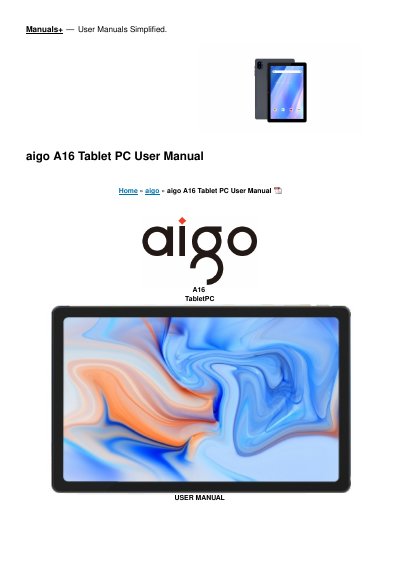
This user manual covers the Aigo A16 Tablet PC, describing its features, physical controls, and basic operations such as turning the device on and off, sleep mode, language settings, home screen, widgets, screen lock, and screenshots.
It also explains installing applications, connecting to Wi-Fi and Bluetooth devices, internet browsing, optional computer connection, specifications, troubleshooting, and contact information.
| CPU | Octa-core |
|---|---|
| RAM | 4GB |
| ROM | 128GB |
| Display | 10.61″ IPS Capacitive Touchscreen |
| Wi-Fi Networking | WIFI 802.11ac/b/g/n/a(2.4+5G) |
| Audio Output | 3.5mm CTIA headphone jack |
| PC Interface | USB Type-C Port |
| Bluetooth | BT5.0 |
| Operating System | AndroidTN |
| Power | Rechargeable Li-poly battery with USB Type-C Power Adapter(5V/2A) |
Press and hold the power button until the LCD screen turns on and the Home screen appears.
Swipe up, tap Settings, then Network & Internet and Wi-Fi, and turn on Use Wi-Fi to search for available networks.
Tap “Pair new device” to scan, then tap the device name and tap “PAIR” to complete pairing.
It offers 15 days of standby time and 5 hours of 1080P video playback.