
This document describes the product features and characteristics of the 3M 4000 series of double-sided tape. It is a high-performance double-sided tape that can be used in a variety of applications, including automotive, industrial, and construction.
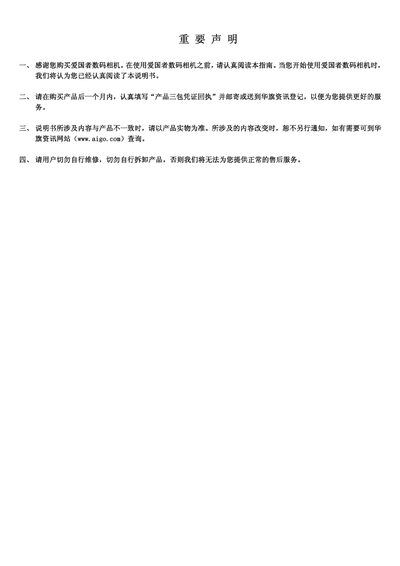
This manual introduces safety information, preparation steps, and basic operation of the AIGO digital camera. It covers how to insert batteries, install memory cards, use the menu system, record photos and videos, and playback or edit files.
Additional sections explain how to connect the camera to a computer or TV via USB or video cables, install the supplied software, and troubleshoot common issues. Technical specifications are listed at the end of the document. This manual is written in Chinese.
| Image sensor | 5 MP CCD |
|---|---|
| Lens focal length | 6.2–18.6 mm |
| Optical zoom | 3× |
| LCD display | 2.5" TFT LCD |
| Maximum image resolution | 2560 × 1920 |
| Battery type | Two AA rechargeable Ni‑MH or AA alkaline |
| Dimensions | 89.5 × 61.3 × 27 mm |
| Weight | 128 g (body only) |
Use the USB cable or a flash‑card reader to connect the camera to the computer, then install the supplied software.
The camera is powered by two AA batteries, either rechargeable Ni‑MH or alkaline AA cells.
The camera can capture still images up to 2560 × 1920 pixels.
The manual provides a “protect file” function that can protect a single file, multiple files, or all files.