
Aiguo T60 Bluetooth headset user guide, introduces the functions and features of the product and how to use it.
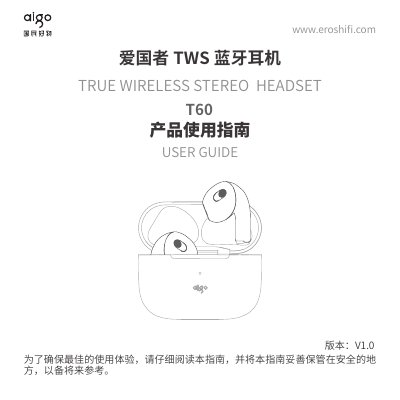
This guide explains how to charge, pair, and operate the aigo T60 true wireless stereo headset. It includes safety precautions, battery care, and usage instructions for connecting to devices and controlling playback. The headset uses Bluetooth 5.3 and supports SBC/AAC audio codecs with up to 4 hours of talk time and 4.5 hours of music playback.
| Product Model | T60 |
|---|---|
| Pairing Name | aigo T60 |
| Calling Time | 4 hours |
| Music Time | 4.5 hours |
| Bluetooth Version | V5.3 |
| Audio Encoding | SBC/AAC |
| Transmission Range | 10m |
| Earbuds Battery | 3.7V 30mAh*2 |
| Charge Case Battery | 3.7V 180mAh |
| Working Temperature | -10℃ to 40℃ |
Charge using a 5V/500mA USB adapter or computer USB port. The charging case indicator lights will show charging status.
Open the charging case to turn on the earbuds. In Bluetooth settings, select 'aigo T60' to pair. Connection is automatic after pairing.
Talk time is about 4 hours, music playback is about 4.5 hours. The charging case takes about 2 hours to charge.
Turn on by opening the charging case. Turn off by placing earbuds in the case and closing the lid. Long press the touch area for 3 or 5 seconds to power on/off.