
The Advantech PPC-6150/6170 User Manual provides specifications, installation, configuration, and safety instructions for the 15"/17" tablet PC.
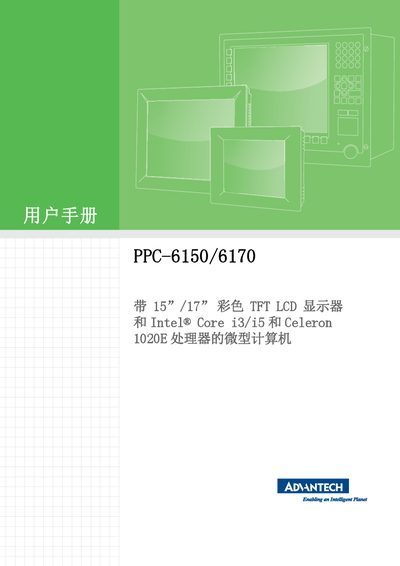
This manual describes the Advantech PPC-6150 and PPC-6170 tablet computers, which feature 15‑inch or 17‑inch color TFT LCD displays and Intel Core i3/i5 or Celeron 1020E processors. It covers product specifications, dimensions, and environmental ratings.
The document includes sections on quick installation, jumper and I/O configuration, BIOS and driver setup, RAID configuration, safety precautions, warranty information, and troubleshooting procedures. It also provides contact details for technical support and ordering of accessories. This manual is written in Chinese.
| Display Size | 15" TFT LCD (LED backlight) or 17" TFT LCD (LED backlight) |
|---|---|
| Maximum Resolution | 1024 × 768 (15") / 1280 × 1024 (17") |
| Processor Options | Intel Core i5‑3610ME 2.7 GHz or Intel Core i3‑3120ME 2.4 GHz |
| Memory Capacity | Up to 8 GB DDR3 (1600 MHz) via one 204‑pin SO‑DIMM |
| Storage Options | 1 × 2.5" SATA HDD, optional 2.5" SATA HDD for RAID |
| I/O Ports | 4 COM ports (incl. isolated RS‑232/422/485), 3 USB 3.0, 2 USB 2.0, 2 Gigabit Ethernet, VGA, HDMI, audio in/out |
| Power Consumption | Up to 61 W (i5) / 55 W (i3) under Windows 7 32‑bit |
| Input Voltage | 100‑240 V AC, 50/60 Hz, 4 A ~ 2 A |
| Dimensions | 395.5 × 316.8 × 105.5 mm (15.6" × 12.5" × 4.15") |
| Weight | 6.5 kg (PPC‑6150) / 7.5 kg (PPC‑6170) |
The product comes with a two‑year warranty from the date of purchase, provided the repair is performed by authorized personnel.
Visit Advantech’s support website at http://support.advantech.com.cn or contact your local distributor or sales representative.
Unplug the power cord before cleaning with a damp cloth and do not use liquids or spray cleaners on the equipment.
The manual recommends using shielded cable for external wiring to meet CE specifications.