
The Advantech ADAM-6256 Quick Start Guide provides an overview, installation steps, hardware wiring, software setup, and troubleshooting for the 16‑channel…
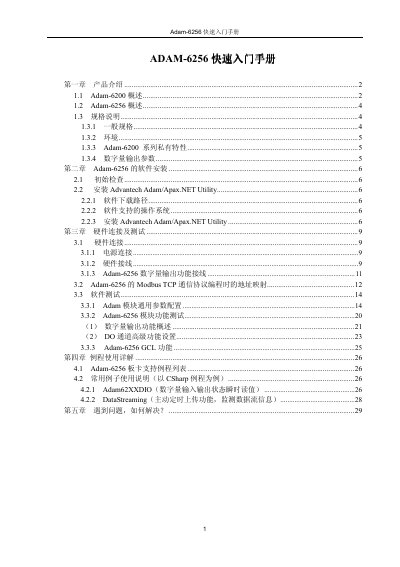
This guide introduces the ADAM-6256, a next‑generation Ethernet remote data acquisition I/O module in the ADAM‑6200 series. It describes the module’s features, such as 16 isolated digital output channels, 5 kHz pulse capability, dual RJ‑45 ports with daisy‑chain networking, and automatic bypass protection.
The document walks users through software installation of the Advantech Adam/Apax.NET Utility, hardware connections (power, RJ‑45 wiring, and module daisy‑chaining), example programming in C# and VB.NET, and a troubleshooting section with support resources. This manual is written in Chinese.
| Power consumption | 3.2 W @ 24 V |
|---|---|
| Dimensions | 110 × 60 × 27 mm |
| Connectors | 2×RJ45 (LAN) and screw terminals |
| LAN ports | 2‑port 10/100 Base‑TX (daisy‑chain) |
| Digital output channels | 16 isolated DO channels |
| Output voltage range | 10 ~ 30 VDC |
| Output current per channel | 100 mA |
| Maximum pulse output frequency | 5 kHz |
| Isolation voltage | 2500 VDC |
| Operating temperature | -10 ~ 70 °C |
The ADAM-6256 provides 16 isolated digital output (DO) channels.
The Advantech Adam/Apax.NET Utility is used for installation, configuration, and testing.
Modules can be daisy‑chained (菊花式) using RJ‑45 crossover cables.