
This manual provides usage instructions, setup steps, operation guidance, and network‑security information for the ABB Welcome IP i‑HD App.
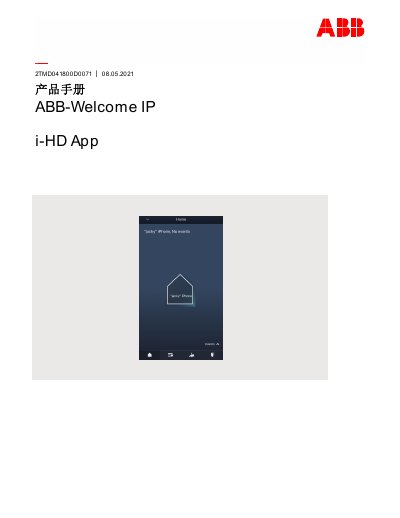
The document explains how to register an account on the MyBuildings portal, download and install the ABB‑Welcome App, and configure device settings such as notifications, sound, and license information. It also covers login procedures, device pairing, and firmware upgrade processes.
Additional sections describe operation of the access‑control system, network‑security recommendations, backup and restore methods, and legal disclaimer information. The manual is intended for end‑users and installers of the ABB Welcome IP i‑HD solution. This manual is written in Chinese.
Open the link https://mybuildings.abb.com, click “Register”, and fill in the required form to create an account.
The app can be downloaded from Google Play or the Apple App Store.
If the password is entered incorrectly more than three times, further login attempts are blocked for a period of time.