
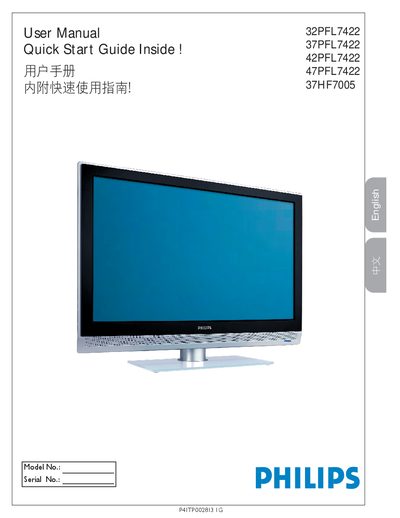
This manual provides setup instructions for connecting the Philips TV to various devices using different input types like HDMI, Component Video, S-Video, and RF. It also includes safety guidelines for proper usage and maintenance. The guide covers how to use the AV button on the remote to switch between input sources and how to perform automatic channel search after setup. This manual is written in Chinese.
Use the AV button on the remote to tune to the AV channel for the cable box signal. Once tuned, change channels at the cable box, not the television.
HDMI provides the ultimate connection. Use a certified HDMI cable for the best performance.
After setting up, run the Auto store function to set up the TV for the broadcast or cable channels available in your area.