
Philips 7FF2FPA digital photo frame user manual, introduces the components, connection, setup, usage, FAQs of the product.
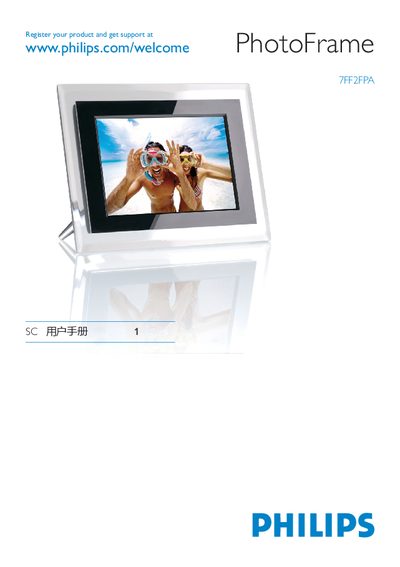
Philips PhotoFrame 7FF2FPA is a digital photo frame. This user manual covers unpacking, connecting the stand and power adapter, turning on the frame, selecting a language, and viewing photos from internal memory or memory cards.
It also explains copying or deleting photos, connecting the frame to a computer with the supplied USB cable, setting the time and date, and configuring the automatic on/off timer, along with frequently asked questions and service and warranty information. This manual is written in Chinese.
| Memory card slots | Left slot for Secure Digital/MMC/xD/Memory Stick cards; right slot for CompactFlash cards |
|---|
No. The digital photo display is controlled with the keys on the back of the frame.
After the screen shows the Finished message, the photos are confirmed copied and can be viewed in memory.
Yes. The frame displays the slideshow from the memory card currently connected.
Yes. It supports deleting photos from external devices.