
This document provides a user guide for VOIP321 USB/PSTN phone, including installation, connection, making calls, phonebook, call logs, and other features.
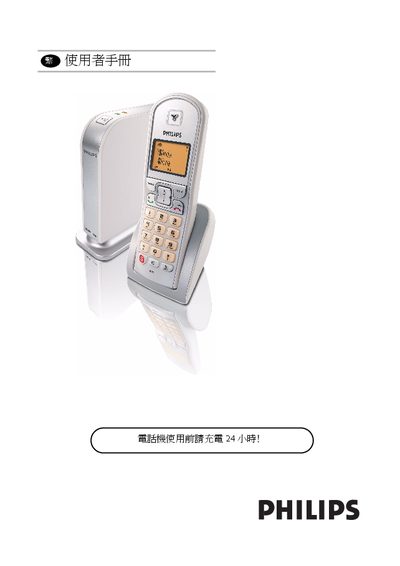
This manual explains how to install and configure the Philips VOIP 321 phone, including hardware setup, driver installation, and connecting to Skype or a PSTN line. It also covers charging the built‑in NiMH batteries and safety precautions for use.
Detailed sections describe the phone’s menu functions, call handling, phone book management, conference calling, and how to resolve common issues. Reference tables list icons, button functions, and specifications such as power requirements and battery type. This manual is written in Chinese.
| Supported Connections | USB, PSTN line, Skype |
|---|
Charge the phone for 24 hours before using it for the first time.