
This document is a user manual for Philips monitors, including customer service and warranty, troubleshooting, and frequently asked questions.
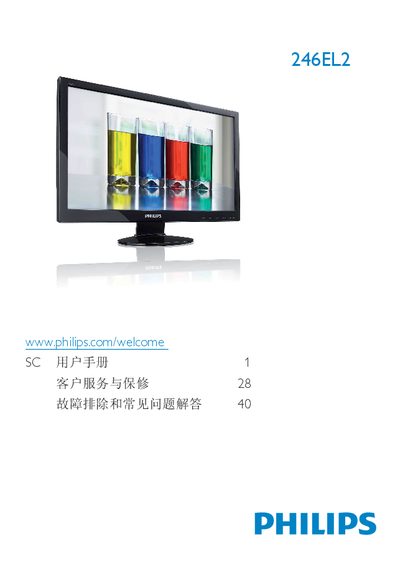
The Philips 40246EL2 monitor user manual covers essential safety measures, proper handling, and warranty conditions. It explains how to install the monitor, connect cables, and adjust settings using the on‑screen display (OSD).
The document also lists detailed technical specifications, compliance information, and a comprehensive troubleshooting section with FAQs about video modes, cleaning, mounting, and more. This manual is written in Chinese.
| Panel type | TFT‑LCD |
|---|---|
| Panel size | 23.6 inches |
| Aspect ratio | 16:9 |
| Contrast ratio (typical) | 1000:1 |
| Response time (typical) | 5 ms |
| Native resolution | 1920 × 1080 @ 60 Hz |
| Vertical refresh rate | 56 Hz – 76 Hz |
Set the display to the recommended resolution of 1920 × 1080 @ 60 Hz and adjust the refresh rate to 60 Hz, then restart the PC.
Wipe the screen with a dry soft cloth; for detailed cleaning use a lightly dampened cloth with isopropyl alcohol, and avoid regular alcohol, ethanol, acetone, etc.
Yes, the monitor has standard VESA mounting holes on the rear that allow wall‑mounting with compatible brackets.
The recommended refresh rate is 60 Hz; you may increase it up to 75 Hz to check for interference.