
HP StorageWorks XP24000/XP20000 disk arrays are large enterprise-class storage systems that are ideal for businesses that cannot afford downtime or data loss. XP provides a powerful platform with full hardware redundancy, hot-swappable components, and non-disruptive online upgrades that can significantly reduce the risk of downtime for your business. At the same time, data replication and tightly integrated clustering solutions, as well as disaster recovery support, can provide you with an excellent multi-site disaster recovery design to help you achieve better business continuity. Moreover, you can reduce the risk of data loss through enhanced data protection and security features.
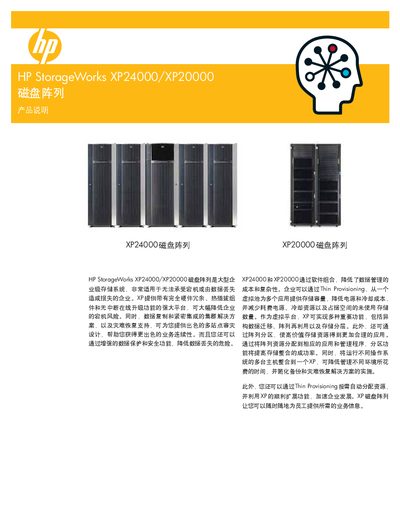
The HP StorageWorks XP24000 and XP20000 are large‑scale enterprise storage arrays designed for high availability and data protection. This guide helps customers select the right configuration by describing the platform’s hardware redundancy, hot‑swap components, and online upgrade capabilities.
Key benefits include Thin Provisioning to reduce power and cooling costs, built‑in disaster‑recovery features such as Business Copy and Continuous Access, and a range of software tools for management, performance monitoring, and automated LUN handling. The document also lists technical specifications, supported RAID levels, host interface options, and available support services. This manual is written in Chinese.
Thin Provisioning allocates storage from a virtual pool to multiple applications, reducing power and cooling costs and eliminating unused storage capacity.