
B-SV4T series barcode printer user manual, including safety overview, precautions, machine appearance, basic operations, power interface, wiring instructions, installation instructions, configuration instructions, maintenance instructions, troubleshooting and other contents.
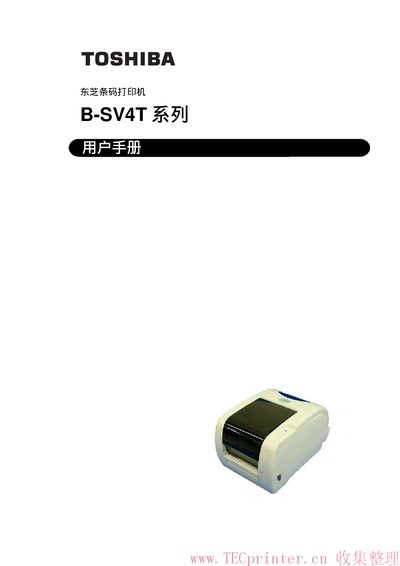
This user manual covers safety symbols, warnings and preventive measures to ensure safe handling of the B‑SV4T barcode printer. It explains required power adapters, proper grounding, and environmental precautions.
The guide details unpacking, installation of power and data cables, loading media and ribbons, printer configuration, troubleshooting, and routine maintenance. Technical specifications such as print speed, processor type, and interface options are also listed. This manual is written in Chinese.
| Print speed | 5 inches/second |
|---|---|
| Processor | 32‑bit RISC |
| USB interface | Standard USB |
| Ethernet interface | 10/100T |
| Power adapter | EA10953 AC adapter (required) |
The printer must be powered with the EA10953 AC adapter.
Do not touch the power plug with wet hands, use a dedicated outlet, keep metal objects away, and avoid inserting foreign objects into the ventilation slots.
It can be connected via a standard USB port or a 10/100T Ethernet port.
The printer can print up to 5 inches per second.