
This document describes the features and characteristics of the Toshiba label printer B-852-TS12-QP, including the China Compulsory Certification (CCC) and the international ENERGY STAR Office Equipment program certification.
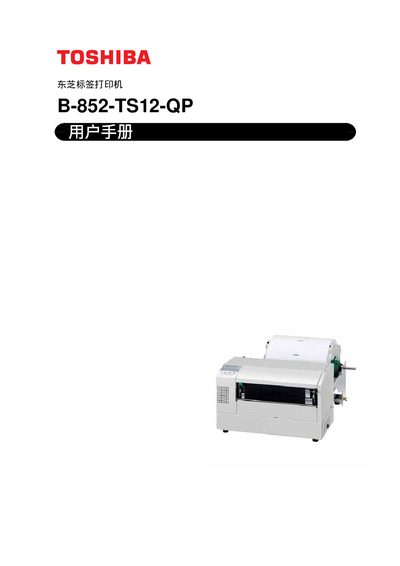
This manual covers the Toshiba B-852-TS12-QP label printer, describing its features, accessories, and recommended usage. It includes safety warnings, unpacking instructions, and a detailed overview of the printer’s hardware, such as the 8.3‑inch print head and high‑resolution thermal print head.
The document guides users through installation, media loading, detector setup, ribbon installation, and test printing, and it provides maintenance procedures, error troubleshooting, specifications, and interface details. Appendices contain part numbers, LED indicators, and sample prints. This manual is written in Chinese.
| Print head width | 8.3 inches |
|---|---|
| Print resolution | 11.8 dots/mm (300 dpi) |
| Print speed | 50.8 mm/s (2 in/s) or 101.6 mm/s (4 in/s) |
Do not connect a power source with a voltage different from the one marked on the machine, keep hands dry when plugging or unplugging the power cord, use a dedicated outlet, and keep metal or flammable objects away from the printer.
Connect the power cable, connect the printer cable, load the media, set the gap and black‑mark detectors, install the ribbon, insert the optional PCMCIA card, and then perform a test print.
Select the test print function as described in section 2.11 to verify proper operation after installation.