
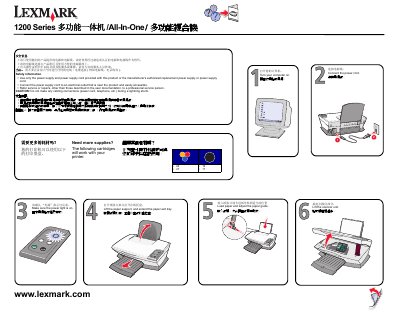
This manual explains how to safely set up the Lexmark 1200 Series multifunction device. It includes safety information such as using only the supplied power supply, keeping the power cord near the unit, and avoiding cable connections during lightning storms.
The guide walks you through connecting the power cord, loading paper, lifting the scanner unit, inserting print cartridges, attaching the USB cable, and inserting a CD. It also advises following on‑screen prompts on your computer to complete the installation. This manual is written in Chinese.
Use the supplied power cord and connect it to a nearby electrical outlet.
Open the paper support, adjust the paper guide, and load the paper before extending the paper exit tray.
Open the cartridge compartment and insert the print cartridges.
Connect the USB cable between the printer and the computer.