
This document is the user manual for the Canon PIXUS iP90 printer. It mainly introduces the printer's usage methods, operating steps, function introduction, precautions, etc.
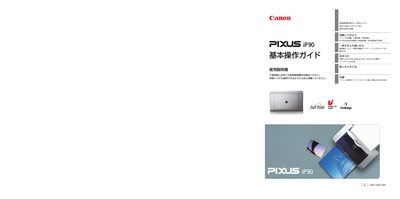
This manual explains how to safely install and set up the PIXUS iP90 printer, including power connection, paper loading, and driver installation. It also covers printing from computers, PictBridge‑compatible cameras, Bluetooth devices, and mobile phones.
Maintenance procedures such as nozzle checking, print‑head cleaning, ink‑cartridge replacement, and troubleshooting common error codes are detailed. Safety warnings, environmental guidelines, and contact information for support are also included. This manual is written in Japanese.
Download the latest driver from Canon’s website, uninstall the old driver, and install the new version as described in the manual.
Make sure the power lamp is completely off before removing the plug to avoid printer damage.