
This document is a camera user guide, which introduces the basic operating methods of the camera
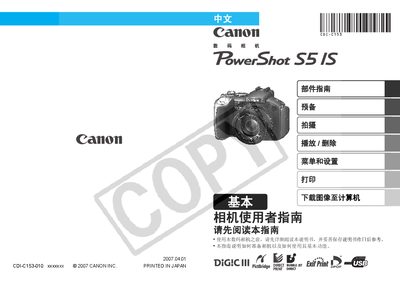
This manual introduces the camera's components, how to install the battery and memory card, and how to prepare the device for shooting. It also explains basic functions such as shooting, playback, menu navigation, printing, and downloading images to a computer.\n\nAdditional sections cover initial date/time and language settings, indicator lights, safety precautions, and detailed instructions for using the LCD screen, viewfinder, and various control buttons. The guide includes step‑by‑step procedures for transferring images via Canon CameraWindow software or direct transfer, as well as tips for using the flash, microphone, and other accessories. This manual is written in Chinese.
| Battery type | 4 AA alkaline or NiMH batteries |
|---|---|
| Supported memory cards | SD, SDHC, MultiMediaCard (MMC) |
| LCD screen | Tilting LCD display |
| DC input terminal | DC IN |
| Audio/Video output | A/V OUT terminal |
| Digital output | DIGITAL terminal |
Slide open the battery compartment, insert four AA alkaline or NiMH batteries, then close the compartment.
The camera works with SD, SDHC, and MultiMediaCard (MMC) memory cards.
Orange indicates shooting mode, green indicates playback or printer connection, yellow indicates computer connection, and flashing red warns against actions that could damage image data.