
This document is a user manual for using a fax machine, including instructions on installing the machine, preparing to use the machine, handling documents and paper, copying, sending files, receiving files, and using the built-in answering machine.
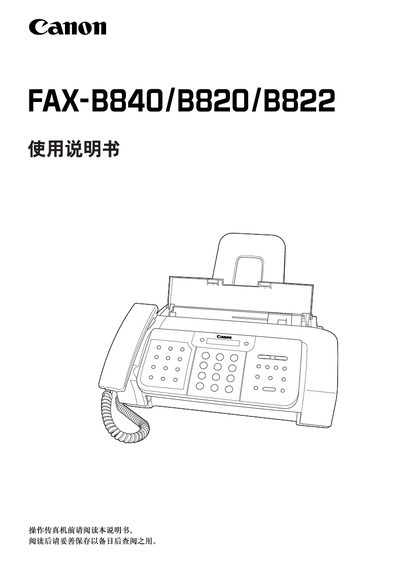
This manual explains how to unpack, assemble and connect the Canon FAX‑B840/B820/B822 fax machine, including power, telephone line and paper‑tray installation. It also covers initial configuration such as setting the telephone line type, date/time, and speed‑dial numbers.
The document provides detailed instructions for sending, receiving and copying documents, using the built‑in answerer (TAM mode), adjusting settings, generating reports, and performing routine maintenance and troubleshooting. Technical specifications of the fax machine are listed at the end of the guide. This manual is written in Chinese.
| Maximum scan width | 216 mm |
|---|---|
| Maximum scan height | 700 mm |
| Effective scan width (A4) | 208 mm |
| Paper tray capacity | 50 sheets (75 g/m²) |
| Ink cartridge model | Canon BX‑3 black BJ cartridge |
| Power consumption (standby) | ≈ 3.2 W |
| Power consumption (operating) | ≈ 8.7 W |
| Operating temperature range | 10 °C – 32.5 °C |
| Dimensions (W×D×H) | 366 mm × 381 mm × 265 mm |
| Weight | ≈ 3.7 kg |
The fax machine can store up to nine single‑touch speed‑dial numbers.
Up to seventy coded speed‑dial numbers can be stored.
Unplug the power cord before cleaning to avoid electric shock or damage.
The built‑in answerer (TAM mode) is only available on the FAX‑B840 model; the FAX‑B820/B822 can only use an external answerer.