
This is the abstract of the Asus laptop hardware user manual. This manual introduces the safety instructions, usage precautions, preparation of the computer, use of the touchpad, external appearance, recovery of the laptop, power adapter, and simple troubleshooting.
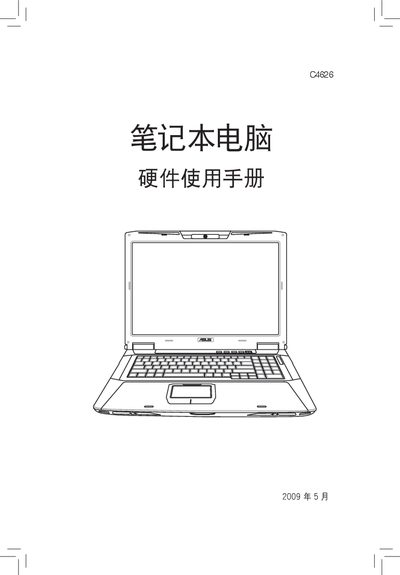
This manual provides safety and usage precautions for ASUS laptop hardware, covering topics such as proper handling, environmental limits, and warranty conditions. It includes detailed instructions for installing and connecting power adapters, as well as guidelines for maintaining the device.
The document also explains how to check hardware configuration in Windows, offers troubleshooting tips, and references compliance information such as REACH chemical regulations. It is intended for end‑users and service personnel who need to operate or service the laptop safely. This manual is written in Chinese.
| Power Input Voltage | 110V‑240V |
|---|---|
| Recommended Cable Gauge | AWG 26 or larger |
| REACH Compliance | Yes |
The power adapter works with an input voltage range of 110 V to 240 V.