
This is the user manual of a monitor, which introduces the use of the monitor, including installation, adjustment, cable connection, etc.
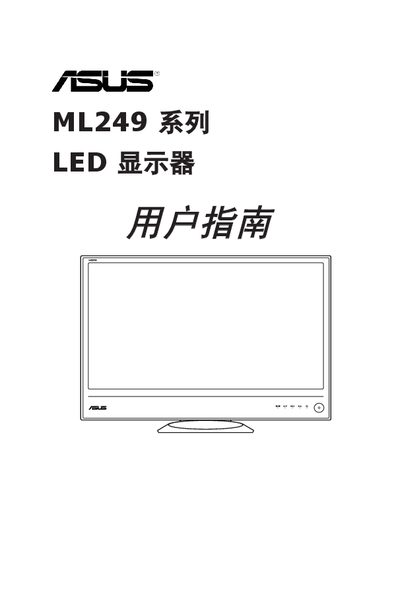
This manual provides safety information, product overview, and step‑by‑step instructions for installing and adjusting the ASUS ML249 series LED display. It includes details on connecting power, mounting the monitor, and configuring the on‑screen display (OSD) settings.
The document also contains a specifications summary, supported operating modes, and a troubleshooting guide that helps resolve common issues such as power‑LED problems, image quality concerns, and signal‑connection errors. This manual is written in Chinese.
| Resolution (1366x768) | 1366x768 |
|---|---|
| Horizontal Frequency (47.712 kHz) | 47.712 kHz |
| Energy Star Compliance | Meets Energy Star requirements |
Press the power button to turn on the display; the power LED will illuminate.
Check that the power cable is correctly connected to both the monitor and the power outlet, and verify the power source is functional.
Press and hold the menu/adjust button for 2‑4 seconds to trigger the auto‑adjust function (VGA mode only).