
Lexmark 5400 Series All-In-One User's Guide is the user manual for Lexmark 5400 Series All-In-One printer. It mainly introduces the safety use, setup, use, maintenance and other content of the product.
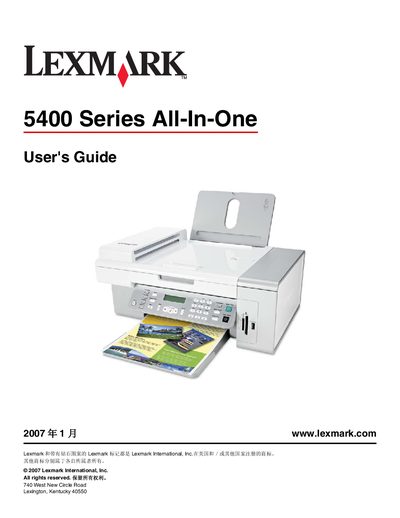
This guide covers all aspects of the Lexmark 5400 Series All‑In‑One printer, including installation, loading media, printing, copying, scanning, faxing, and network configuration.
It also contains important safety information, maintenance procedures, and troubleshooting tips, plus contact details for Lexmark technical support.
You can find the manual in the printer packaging or on Lexmark’s website at www.lexmark.com.
Use only the power cord supplied with the product, keep the printer away from water, and do not operate it during thunderstorms.
In the United States call 1‑800‑332‑4120; in Canada call 1‑800‑539‑6275; in Mexico call 001‑888‑377‑0063.