
This document is the user manual for the X5400 series printer, which provides instructions on installation, connection, printing, and scanning operations.
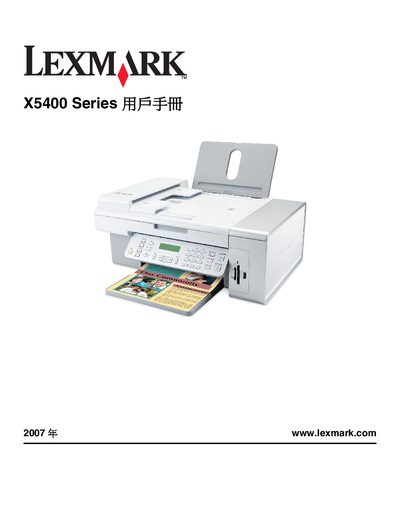
This manual covers the installation of the X5400 Series printer, including unpacking, connecting power, and configuring network settings. It also explains how to load paper, install ink cartridges, and set up optional features such as RJ11 fax connections.
Detailed sections guide users through printing, scanning, copying, and faxing functions, as well as maintenance tasks like cleaning the scanner glass, replacing ink cartridges, and resolving common error messages. This manual is written in Chinese.