
Lexmark C780, C782 User Guide. This document contains safety information, product specifications, installation instructions, troubleshooting and more.
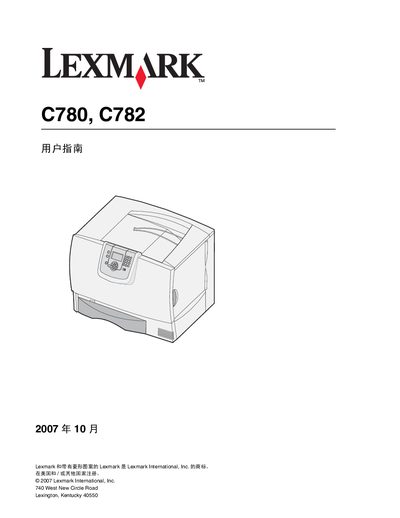
The guide begins with safety information and detailed steps for installing and removing optional accessories such as high‑capacity feeders, duplex units and additional trays. It also explains how to safely set up the printer, connect power, and prepare the machine for use.
Subsequent sections describe printer operation, media specifications, routine maintenance, paper‑jam clearing procedures, and troubleshooting tips. The manual includes instructions for configuring network features, adjusting settings, and ordering consumables. This manual is written in Chinese.
| Weight | 48–82 kg (105–181 lb) |
|---|
The printers weigh between 48 kg and 82 kg (105 lb to 181 lb).
The optional high‑capacity feeder can hold up to 2000 pages.
When both a duplex unit and a 2000‑page feeder are installed, a 500‑page feeder must be placed between them.