
IPL TS Series IP Link® Ethernet Control Interfaces
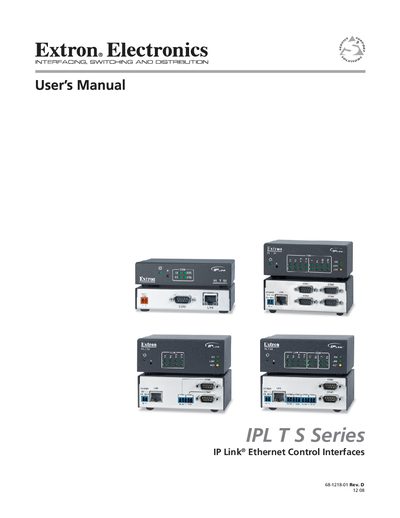
This manual describes the Extron IPL T S Series Ethernet Control Interfaces, which provide network connectivity for A/V equipment and enable remote monitoring and control.
It covers safety instructions, mounting options (rack, furniture, projector), power requirements, Ethernet and serial port specifications, configuration via web interface, and troubleshooting.
| Data rate | 10/100Base‑T, half/full duplex with autodetect |
|---|---|
| Default IP address | 192.168.254.254 |
| Power input | 12 VDC, 0.5 A |
| Operating temperature | +32 to +122 °F (0 to +50 °C) |
| Dimensions (IPL T S1) | 1.0" H × 4.3" W × 3.0" D |
| Product weight | 0.7 lb (0.3 kg) |
| Serial ports (IPL T S4) | Four bidirectional RS‑232/RS‑422/RS‑485 ports |
It provides four bidirectional RS‑232, RS‑422, or RS‑485 serial ports.
The default IP address is 192.168.254.254.
It requires a 12 VDC, 0.5 A external power supply.