
This manual introduces the SATA hard disk installation and RAID function configuration methods of the M5A88-V EVO (AM3+) motherboard.
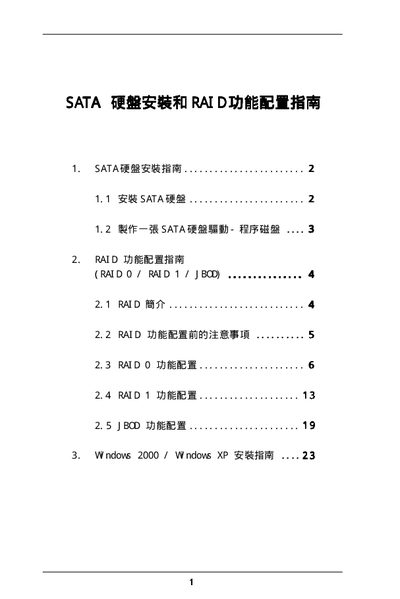
This manual explains how to configure Serial ATA (SATA) devices and set up RAID arrays using the SiS RAID BIOS Setting Utility. It covers the supported RAID modes (RAID 0, RAID 1, JBOD), block‑size options, and provides step‑by‑step guidance for creating and managing RAID volumes.
The document also details driver installation for Windows 2000/XP, including the use of the F6 key to load third‑party SCSI/RAID drivers, and describes how to save changes, verify disk status, and troubleshoot common issues during RAID setup. This manual is written in Chinese.
| Supported RAID modes | RAID 0 / RAID 1 / JBOD |
|---|---|
| Supported operating systems | Windows 2000, Windows XP |
Enter the SiS RAID BIOS Setting Utility, select RAID 0, then choose Auto Create or Manual Create to define the array.
After configuring the RAID, select the option to save changes and confirm with Y when prompted.