
This manual provides detailed information on how to install, configure, and use RuggedCom P600.
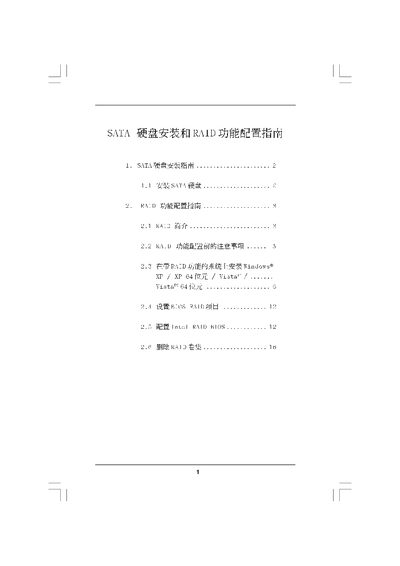
The document provides step‑by‑step instructions for installing SATA hard disks, including BIOS configuration and driver installation. It covers preparation, BIOS setup, creating a bootable SATA/SATAII disk, and installing Windows XP, Vista, or 64‑bit versions.
It also details RAID configuration, describing supported RAID levels (0, 1, 5, 10), capacity considerations, and how to create, manage, and delete RAID volumes using the Intel Matrix Storage Manager and RAID Installation Guide. This manual is written in Chinese.
Clear all disk data, then use the RAID Installation Guide to create the volume.