
The document introduces the features and characteristics of a product, including the product's brand, model, appearance design, and functional features.
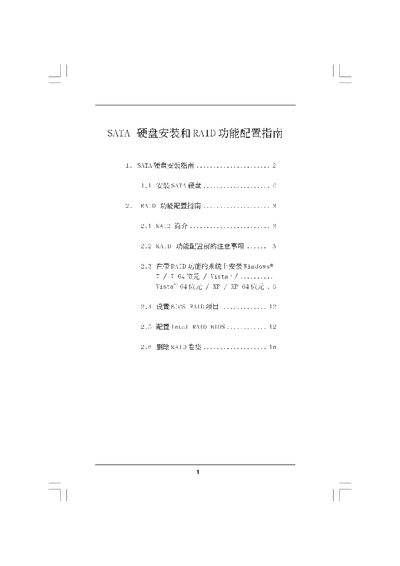
The guide provides step‑by‑step instructions for installing SATA hard drives, including BIOS settings, driver creation and connecting the drives to the motherboard. It also describes how to prepare the system for RAID operation and the required precautions.
The manual then covers RAID configuration, detailing supported RAID levels (0, 1, 5, 10) and Intel Rapid Storage, as well as installing Windows (XP, Vista, Windows 7) with RAID enabled and how to delete RAID volumes when needed. This manual is written in Chinese.
| Supported SATA Interfaces | SATA I, SATA II |
|---|
Select the "Delete RAID Volume" option in the RAID utility and follow the on‑screen prompts.