
Key facts
- Manuals
- 6
- Categories
- 1
- Languages
- ZH
- Last added
- 2012-06-01
Featured SATA硬盘安装和RAID功能 manuals
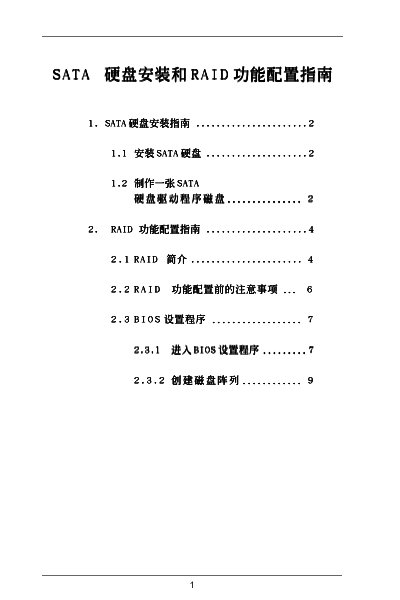
ASRock SATA RAID User Manual
The manual provides step‑by‑step instructions for enabling SATA RAID on ASRock motherboards, configuring the BIOS RAID option, and using the NVIDIA RAID Utility to create and manage RAID arrays. It covers the required BIOS settings, driver installation, and troubleshooting tips.
Key sections include the RAID BIOS Setting Utility, BIOS Setup Utility, RAID Disk Configuration, and detailed guidance on the NVIDIA RAID Utility for creating Mirroring, Striping, and Spanning arrays. The document also lists supported RAID modes and compatible operating systems. This manual is written in Chinese.
Covers: RAID BIOS Setting Utility · BIOS Setup Utility · RAID Disk Configuration · NVIDIA RAID Utility · Define a New Array · Mirroring
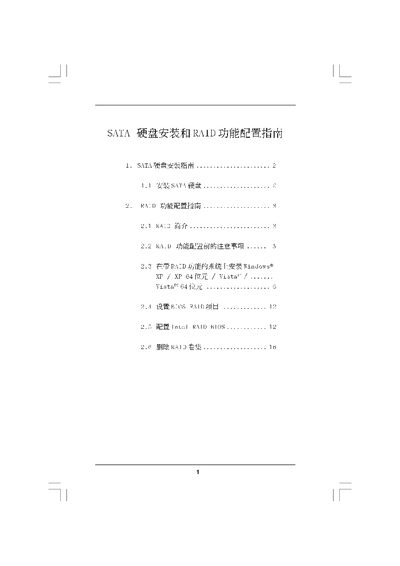
Intel ICH10R SATA RAID Installation Service Manual
The manual provides step‑by‑step instructions for installing SATA hard disks, setting up the BIOS for SATA/RAID mode, and creating the necessary driver disks. It also details the preparation required before enabling RAID, such as clearing existing disk data.
Later sections cover RAID configuration for Windows XP, Vista (both 32‑ and 64‑bit), including how to create, manage, and delete RAID volumes, and describe the supported RAID levels (0, 1, 5, 10) and Intel Matrix Storage features. This manual is written in Chinese.
Covers: SATA硬盘安装指南 · RAID功能配置指南 · RAID介绍 · RAID 0 · RAID 1 · RAID 10
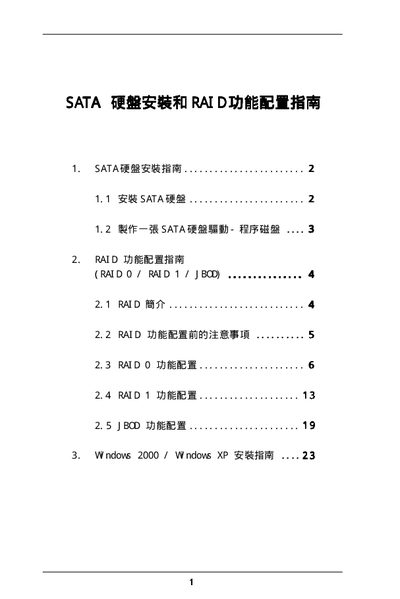
SiS SATA RAID Service Manual
This manual explains how to configure Serial ATA (SATA) devices and set up RAID arrays using the SiS RAID BIOS Setting Utility. It covers the supported RAID modes (RAID 0, RAID 1, JBOD), block‑size options, and provides step‑by‑step guidance for creating and managing RAID volumes.
The document also details driver installation for Windows 2000/XP, including the use of the F6 key to load third‑party SCSI/RAID drivers, and describes how to save changes, verify disk status, and troubleshoot common issues during RAID setup. This manual is written in Chinese.
Covers: SATA Overview · Supported RAID Modes · BIOS RAID Setup · Creating RAID Arrays · Block Size Selection · Windows Driver Installation
Latest SATA硬盘安装和RAID功能 manuals
SATA Hard disk installationandRAID function service manual(5)
Instruction manual
SATA Hard disk installationandRAID function service manual(4)
This manual provides detailed information on how to install, configure, and use RuggedCom P600.
SATA Hard disk installationandRAID function service manual(3)
The document introduces the features and characteristics of a product, including the product's brand, model, appearance design, and functional features.
ASRock SATA RAID User Manual
User Manual 18 pages · 639 KB · ZHThis ASRock user manual explains how to configure SATA RAID modes, set up the BIOS and use the NVIDIA RAID Utility on supported motherboards.
Intel ICH10R SATA RAID Installation Service Manual
Service Manual 16 pages · 2.2 MB · ZHThis service manual explains how to install SATA hard drives and configure RAID functions using the Intel ICH10R controller.
SiS SATA RAID Service Manual
Service Manual 25 pages · 489 KB · ZHService manual with installation, configuration and troubleshooting instructions for SiS SATA RAID systems.
Which document do I need?
User Manual
Day-to-day operation, settings and troubleshooting. Start here if the product is already set up.
Service Manual
Disassembly, diagnostics and part numbers, for repair.
Questions answered in SATA硬盘安装和RAID功能 manuals
How do I enable SATA RAID in the BIOS?
Enter the BIOS Setup Utility and set the SATA option to RAID (enable the RAID option).
How can I create a RAID 1 (mirroring) array with the NVIDIA RAID Utility?
Open the NVIDIA RAID Utility, choose “Define a New Array”, select the Mirroring mode, and follow the prompts to add the desired disks.
What operating systems can be used with the RAID installation guide?
The guide covers Windows XP, Windows XP 64‑bit, Windows Vista and Windows Vista 64‑bit.
What must be done before configuring RAID?
All disks must be cleared of data ("Clear Disk Data") before starting RAID configuration.
How do I create a RAID 0 array?
Enter the SiS RAID BIOS Setting Utility, select RAID 0, then choose Auto Create or Manual Create to define the array.
How do I save changes after configuring RAID?
After configuring the RAID, select the option to save changes and confirm with Y when prompted.