
The document is an introduction to a product from a certain brand. The product has certain features and characteristics, but the specific details are not mentioned.
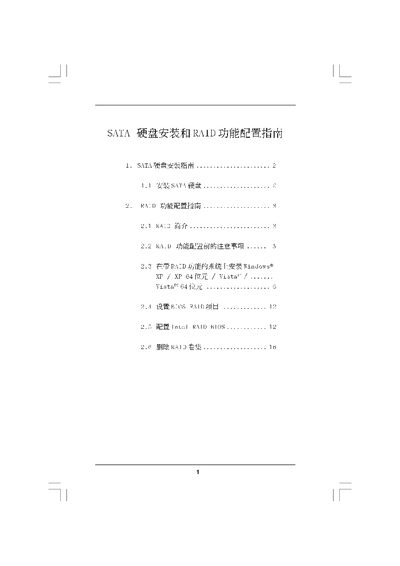
The manual provides step‑by‑step instructions for installing SATA hard disks, setting up the BIOS for SATA/RAID mode, and creating the necessary driver disks. It also details the preparation required before enabling RAID, such as clearing existing disk data.
Later sections cover RAID configuration for Windows XP, Vista (both 32‑ and 64‑bit), including how to create, manage, and delete RAID volumes, and describe the supported RAID levels (0, 1, 5, 10) and Intel Matrix Storage features. This manual is written in Chinese.
| Maximum volume size shown | 223.5GB |
|---|
The guide covers Windows XP, Windows XP 64‑bit, Windows Vista and Windows Vista 64‑bit.
All disks must be cleared of data ("Clear Disk Data") before starting RAID configuration.