
This document is a guide on SATA hard drive installation and RAID functionality configuration. It explains how to install SATA hard drives, create SATA hard drive driver disks, and create RAID disk arrays on the motherboard.
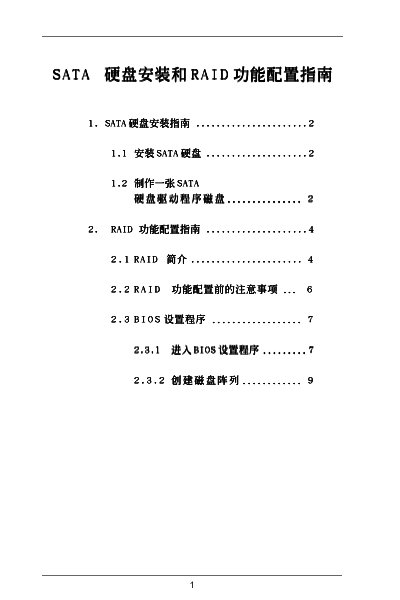
The manual provides step‑by‑step instructions for enabling SATA RAID on ASRock motherboards, configuring the BIOS RAID option, and using the NVIDIA RAID Utility to create and manage RAID arrays. It covers the required BIOS settings, driver installation, and troubleshooting tips.
Key sections include the RAID BIOS Setting Utility, BIOS Setup Utility, RAID Disk Configuration, and detailed guidance on the NVIDIA RAID Utility for creating Mirroring, Striping, and Spanning arrays. The document also lists supported RAID modes and compatible operating systems. This manual is written in Chinese.
| Supported RAID modes | RAID 0 / RAID 1 / JBOD |
|---|---|
| Supported operating systems | Windows 2000 / Windows XP |
| Chipset | VIA VT8237 |
Enter the BIOS Setup Utility and set the SATA option to RAID (enable the RAID option).
Open the NVIDIA RAID Utility, choose “Define a New Array”, select the Mirroring mode, and follow the prompts to add the desired disks.