
This document is the electronic user manual for Philips LCD monitors, including safety precautions, installation locations, frequently asked questions, troubleshooting, and relevant regulations. It provides safety instructions for using the monitor and guidelines for selecting the installation location. Additionally, it offers solutions to common problems and recommendations for troubleshooting.
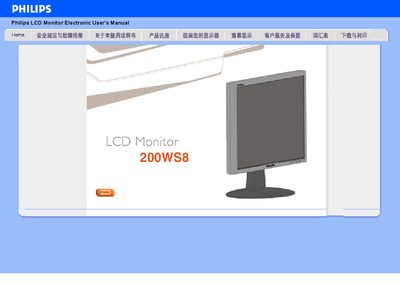
The Philips 200WS8 is a widescreen LCD monitor designed for high‑productivity environments. It offers a WSXGA 1680 × 1050 native resolution, 5 ms response time, and dual inputs (VGA analog and DVI digital) with optional HDCP support. Features such as SmartImage Lite and SmartResponse enhance image quality and reduce power consumption, while the built‑in power supply eliminates the need for an external adapter.
The manual covers installation, menu navigation, and configuration of display settings, including how to enable SmartImage Lite, adjust brightness/contrast profiles, and use the hot‑key controls. Compliance information (RoHS) and physical specifications such as pin assignments and dimensions are also provided.
| Resolution | 1680x1050 (WSXGA) |
|---|---|
| Response Time | 5 ms |
| Inputs | VGA (analog) and DVI (digital) |
| HDCP Support | Supported on DVI‑D (specific models) |
| Power Supply | Built‑in power supply |
| RoHS Compliance | Yes |
| Power Consumption | Lowest in industry |
The monitor’s native resolution is 1680 × 1050 (WSXGA).
It supports both analog VGA and digital DVI inputs.
Yes, HDCP is supported on the DVI‑D input for specific models.
SmartImage Lite uses Philips LightFrame technology to adjust brightness and contrast profiles.